This is a revolutionary product! Kudos to all the developers for doing what they do best.
— Cartier
Team reply
Your amazing feedback means the world to our team, thank you for the support!
Turn your raw screenshots into professional, high-converting app store images in seconds. No design skills required.

or click to browse (supports PNG, JPG)

Start with a template that fits your app. Tweak text and visuals, then export store-ready screens in one click.
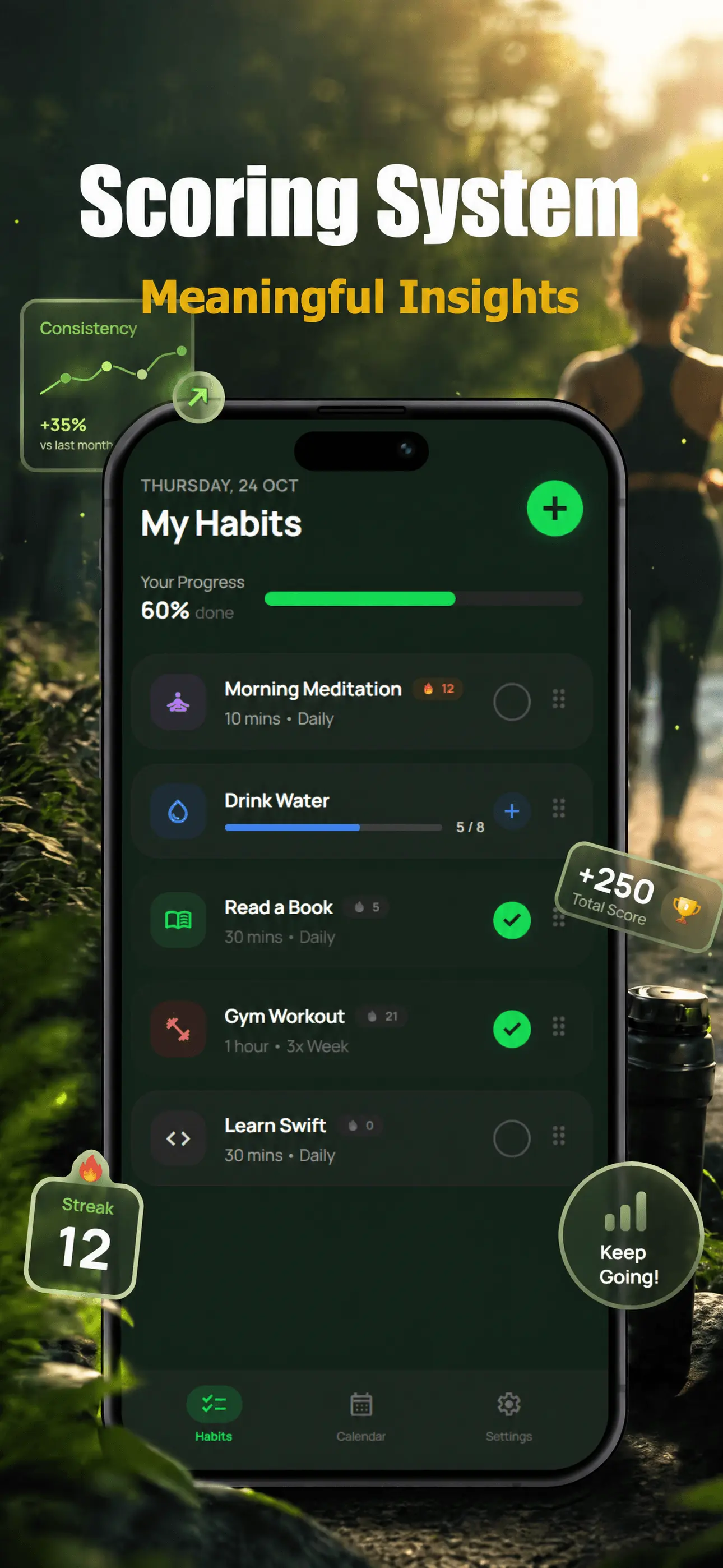
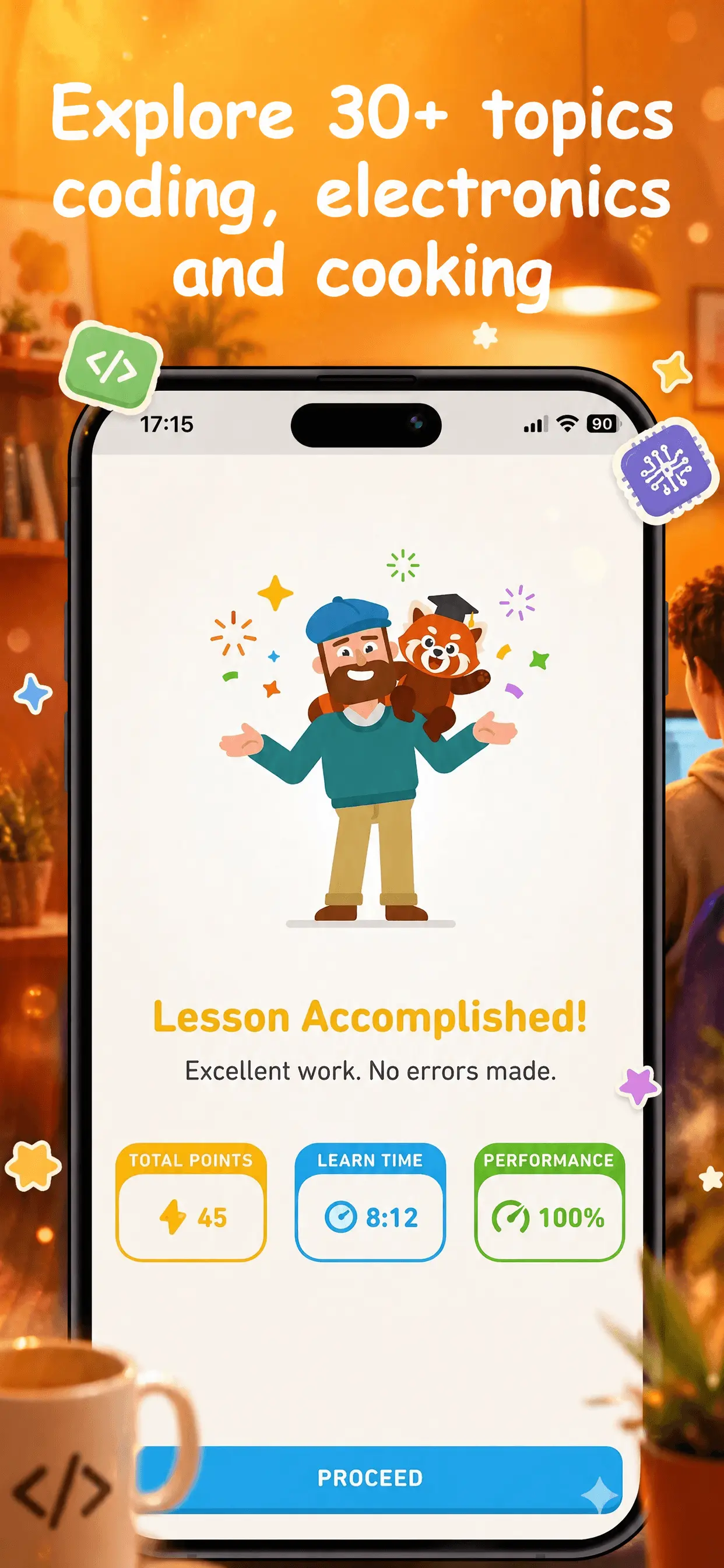
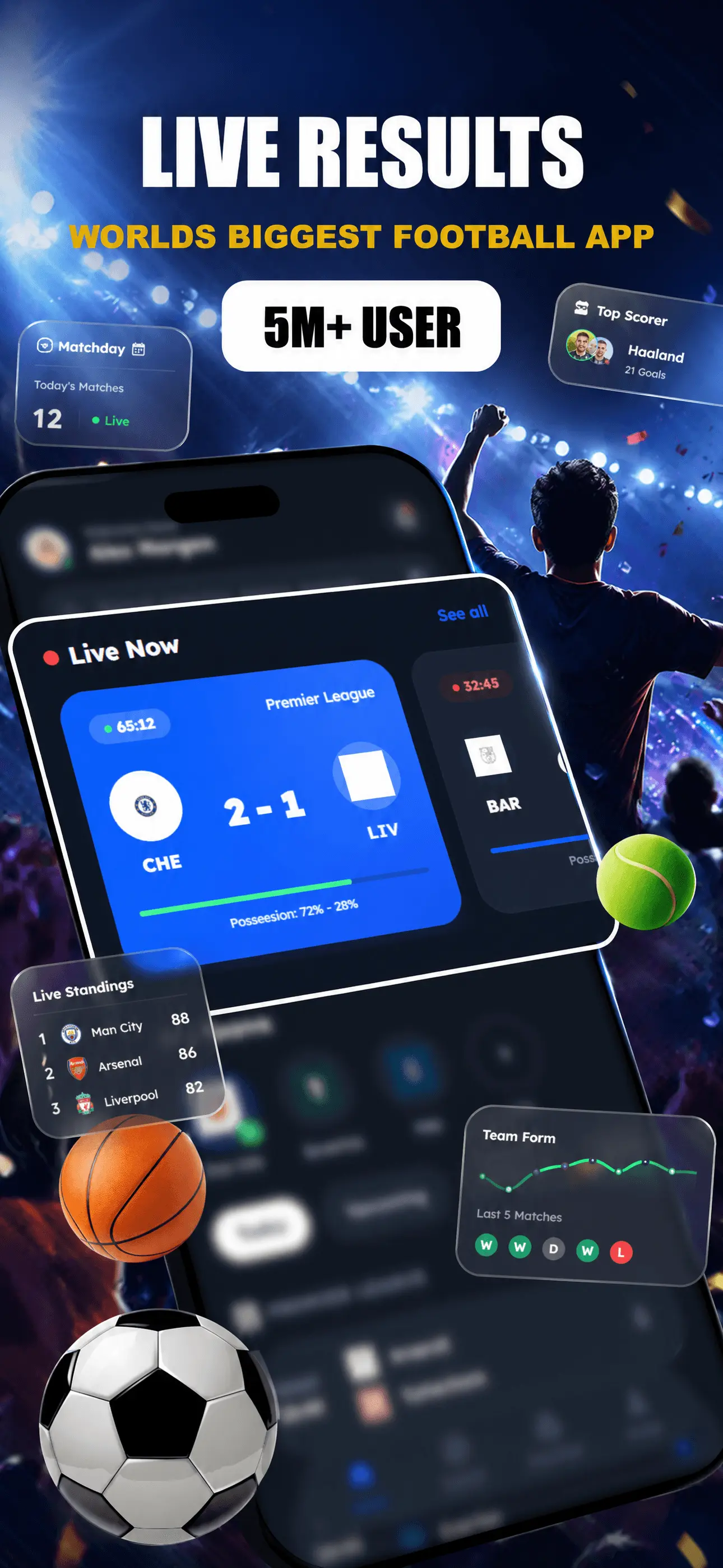
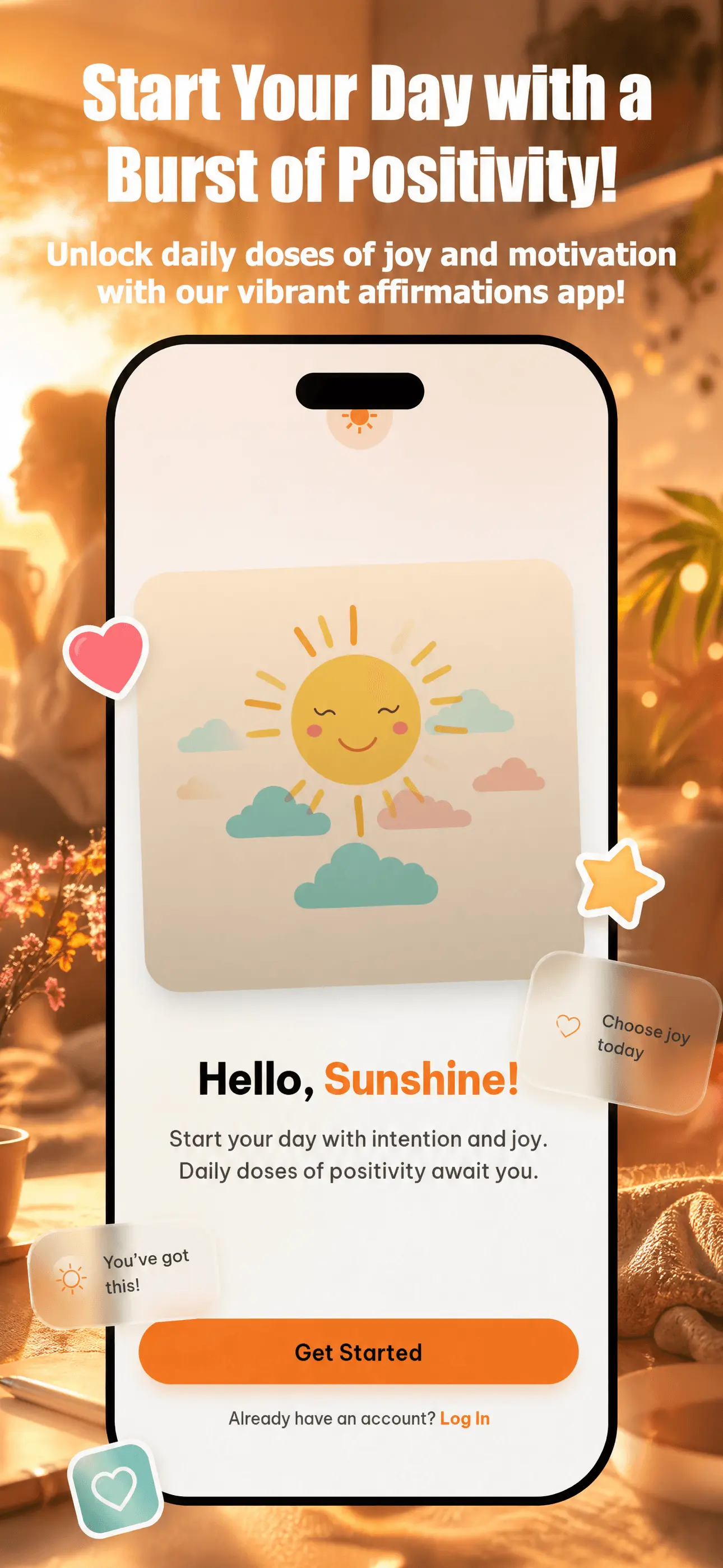
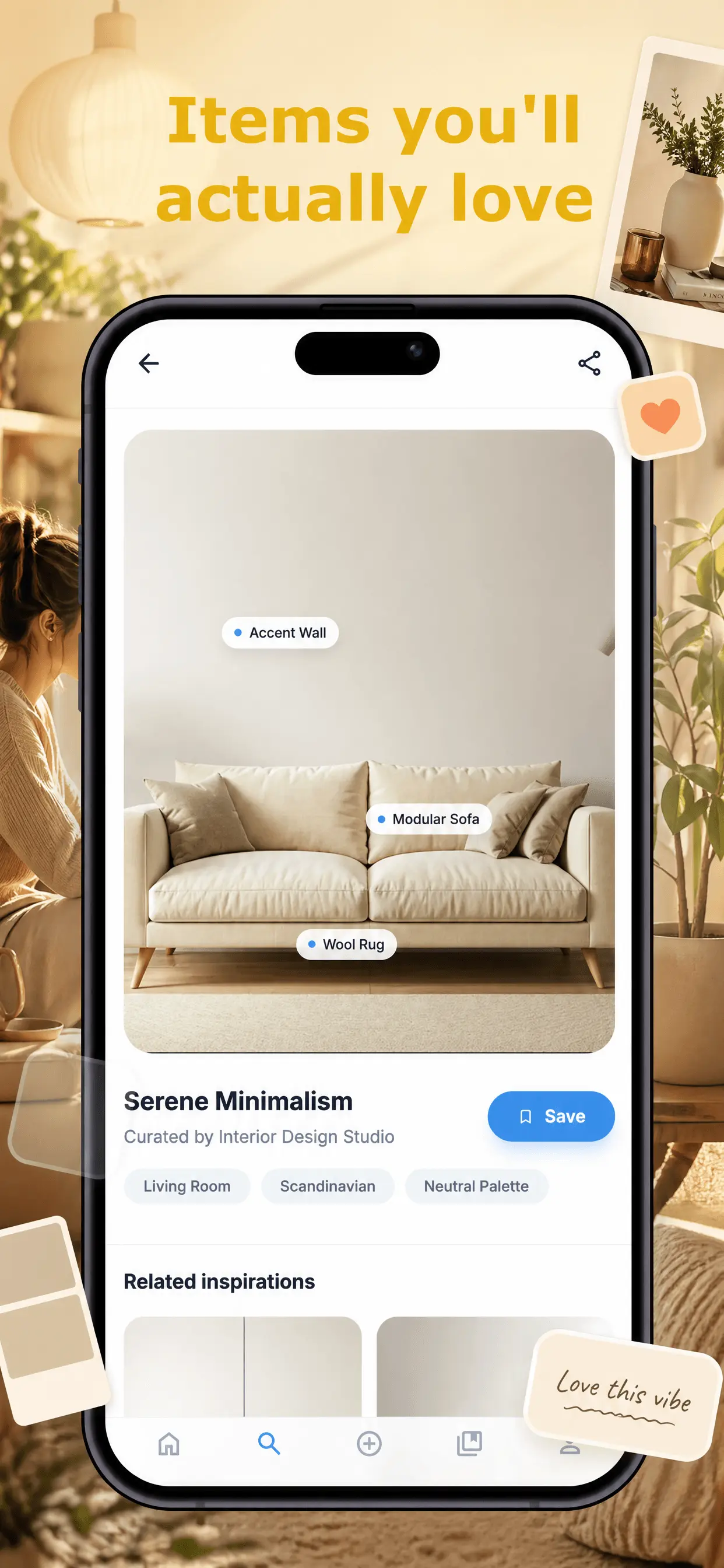

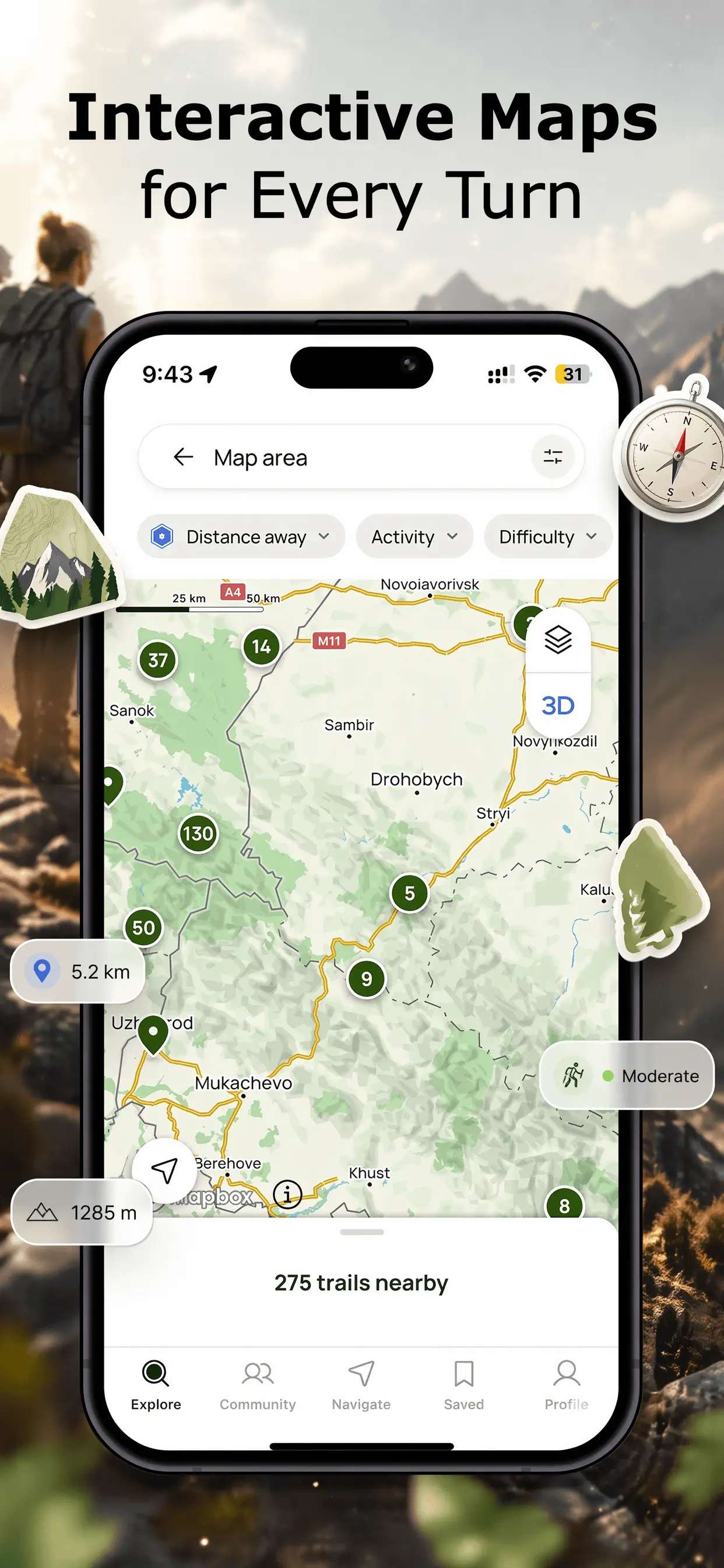
Everything you need to design, localize, and optimize your app store assets. Explore the toolset built to accelerate your release cycle.
Elevate your ASO. Add premium assets and effects in one click using GPT Image 2.
Real feedback from people who used App Screen Studio
499 reviews
This is a revolutionary product! Kudos to all the developers for doing what they do best.
— Cartier
Team reply
Your amazing feedback means the world to our team, thank you for the support!
amazing product : ) copying to andorid was kind of weird and not intuitive. also backgrounds could use more updates. Would love to have fun squiggly lines or different things or I think people would pay to have the ability to generate differnt backgrounds
— Mesh
Team reply
Glad you love the app! We hear your feedback: copying to Android experience is being improved as we speak. Plus, new backgrounds are on their way!
Great app, works a treat.
— Karl
i like it few improvements so its easier i want ability to use existing things i edited and changes did to apply on ipad or imac so i can have 3 devices at once and can do few tweaks instead of redoing everything
— Janardan
Team reply
Thanks for the suggestion! We've just implemented a new Linking feature. Now you can easily apply your changes across different platforms at once to save time. We hope you like the update!
Very good, also improved since I first used a few weeks ago
— Kesisoglou
Top tool
— Isele
We get it. You spent weeks building your masterpiece, and now Apple wants 10 different screenshots. Don't spend another week in Figma. Generate professional screenshots in literally 2 minutes.
Create professional screenshots in three simple steps
Drag and drop your raw app screenshots. We support multiple files and formats.
Select from our premium templates. Customize colors, fonts, and device frames.
Download high-quality images for iOS and Android. Ready for the app stores.
No credit card required. Ever. No hidden fees. No surprises.
Core design tools to elevate your app store presence.
Localize App Store Screenshots with AI, generate your mascots in seconds.
Get the latest tips on ASO and app marketing delivered to your inbox.
Creating professional App Store screenshots and Google Play feature graphics shouldn't be a hassle. AppScreenStudio is the ultimate free screenshot maker designed for developers who want to showcase their apps in the best light. Whether you're launching on iOS or Android, our tool helps you generate high-converting assets in minutes.
Forget complex design software like Photoshop or Figma. With our online mockup generator, you can simply upload your raw screenshots, choose from stunning device frames (including the latest iPhone 15 and Pixel 8), and export ready-to-upload images.
Your app screenshots are the first thing users see. A professional presentation can increase your conversion rate by up to 30%. Our screenshot creator ensures your app looks trustworthy and premium, helping you get more downloads on both the Apple App Store and Google Play Store.
We support all required sizes for iOS and Android. Generate iPhone 6.5" display, iPad Pro screenshots, and Android phone & tablet layouts automatically. Our intelligent resizing engine ensures your screenshots look crisp on every device.